Start sending invites for free - no card required - Click here

A Complete Guide to Sending Meeting Invites and Managing Calendars Efficiently
In today’s fast-moving professional world, effective scheduling plays a crucial role in keeping teams organized and productive. Whether you’re coordinating with colleagues, clients, or external partners, knowing how to send meeting invites properly ensures that everyone stays informed and prepared. A well-managed calendar helps avoid confusion, prevents missed meetings, and improves overall communication.
BLOGS
2/12/20263 min read

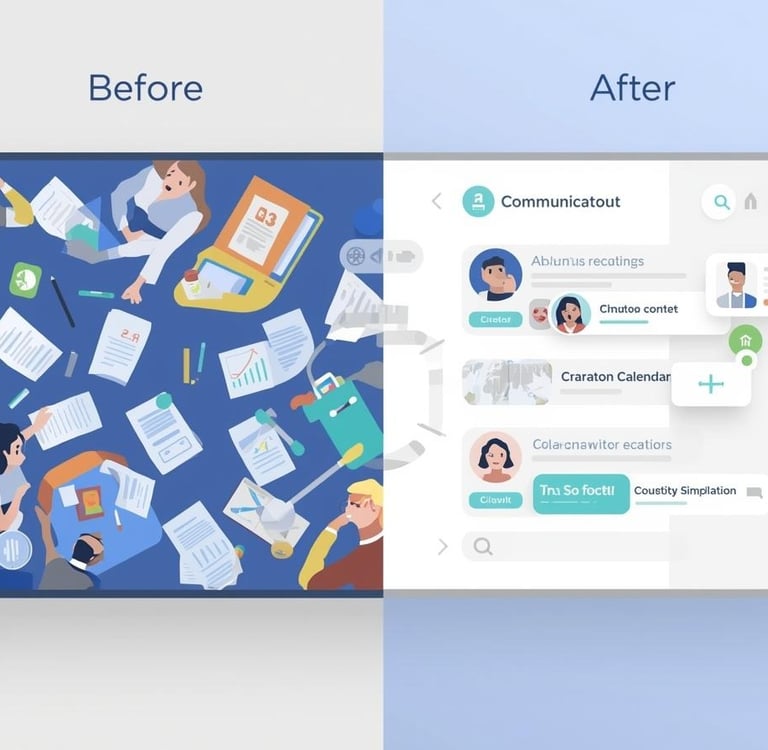
In today’s fast-moving professional world, effective scheduling plays a crucial role in keeping teams organized and productive. Whether you’re coordinating with colleagues, clients, or external partners, knowing how to send meeting invites properly ensures that everyone stays informed and prepared. A well-managed calendar helps avoid confusion, prevents missed meetings, and improves overall communication.
Understanding Calendar Invites
Before diving deeper, it’s important to understand what is a calendar invite and why it matters. A calendar invite is a digital notification sent through email or calendar platforms that allows recipients to accept, decline, or propose a new time for a meeting or event. It usually includes key details such as date, time, location, agenda, and any relevant links.
Many professionals still ask, what is calendar invite, especially when transitioning from traditional scheduling methods to digital calendars. Simply put, it replaces manual coordination with an automated, trackable, and reliable system that keeps everyone on the same page.
Why Sending Meeting Invites Matters
When you send meeting invites correctly, it ensures clarity and professionalism. Participants receive accurate information about when and where to join, what the meeting is about, and how long it will last. This helps reduce last-minute emails and unnecessary follow-ups.
A structured invite also allows attendees to prepare in advance. With proper scheduling, meetings become more purposeful and productive rather than rushed or unorganized.
Using Outlook for Calendar Invitations
For many organizations, Microsoft Outlook remains a primary scheduling tool. Creating outlook calendar invitations allows teams to manage meetings, events, and reminders from one place. Outlook provides features such as recurring meetings, reminder alerts, and attendee tracking.
If you’re working in a corporate environment, you may frequently use meeting invites in Outlook to coordinate internal and external discussions. Outlook makes it easy to add meeting agendas, attach files, and include virtual meeting links. Once the invite is sent, recipients can respond with their availability, making coordination smoother.
Managing Gmail-Based Meeting Invites
Google Calendar is another widely used platform for scheduling. Many professionals rely on meeting invite in Gmail features to manage their daily schedules. Gmail integrates seamlessly with Google Calendar, allowing users to create events directly from their inbox.
If you’re wondering how to send a calendar invite in Gmail, the process is simple. You can open Google Calendar, create an event, add attendees, and include all relevant meeting details. Once sent, recipients receive an email notification with options to accept or decline.
You can also send meeting invite reminders and updates if there are any changes to time or location. This ensures everyone remains informed without repeated manual communication.
Adding Events to Your Calendar
Another important feature of digital scheduling is the ability to add to calendar quickly. Whether you receive an invite via email or create one yourself, adding events to your calendar ensures you don’t forget important commitments.
Most modern email platforms automatically provide an “add to calendar” option within invitations. With a single click, the event is saved, and reminders can be set to notify participants before the meeting begins.
Handling Large Team Scheduling
As organizations grow, managing schedules for multiple people becomes more complex. Coordinating across departments, time zones, and roles can be challenging. This is where planning and organization become essential.
Many companies today need to manage calendar in bulk for training sessions, company-wide meetings, and webinars. Instead of manually coordinating with each participant, structured scheduling helps streamline the process and maintain consistency across teams.
When dealing with large groups, it’s important to include clear instructions, meeting objectives, and relevant links within the invite. This ensures that every participant understands the purpose of the meeting and comes prepared.
Best Practices for Effective Meeting Invites
To improve meeting productivity, consider these best practices:
Be clear and concise: Always include meeting purpose, date, time, and duration.
Add relevant details: Include agendas, links, and documents when necessary.
Choose the right time: Consider participant availability and time zones.
Send reminders: Automated reminders help reduce no-shows.
Keep meetings focused: Avoid scheduling unnecessary meetings.
A well-crafted invite saves time and ensures participants understand expectations.
The Role of Digital Calendars in Modern Workplaces
Digital calendars have transformed how professionals coordinate their time. They eliminate confusion caused by manual scheduling and provide real-time updates for changes. From small teams to large organizations, calendar invites have become an essential communication tool.
By using modern scheduling practices, teams can reduce email overload, improve punctuality, and enhance collaboration. Whether using Outlook, Gmail, or another platform, structured calendar management supports efficient teamwork and better time management.
Conclusion
Effective scheduling begins with understanding how to create and manage meeting invites properly. From learning what is a calendar invite to using platforms like Outlook and Gmail, professionals today have access to tools that simplify coordination and improve productivity.
When you send meeting invites with clear details and proper planning, you create a smoother workflow and better collaboration across teams. As workplaces continue to evolve, mastering calendar management will remain a key skill for professionals across industries.
BulkCalendar.in
Send Bulk & Mass Calendar Invites Instantly
Contact us
Engagement
sales@letscalendar.com
+44 (0) 203 916 5117
© 2025. All rights reserved.
Help?