Start sending invites for free - no card required - Click here

Master the Schedule: The Ultimate Guide to Efficient Digital Calendar Management
In the modern corporate ecosystem, time is our most tightly managed currency. Coordinating meetings across different departments, clients, and time zones can quickly become a administrative bottleneck if you don't know the right shortcuts. Knowing how to send calendar invitation details properly ensures that your team stays aligned, punctual, and organized. Whether you are launching a startup or managing an established enterprise, mastering the logistics of sending a calendar invite is a fundamental business skill.
BLOGS
5/22/20263 min read
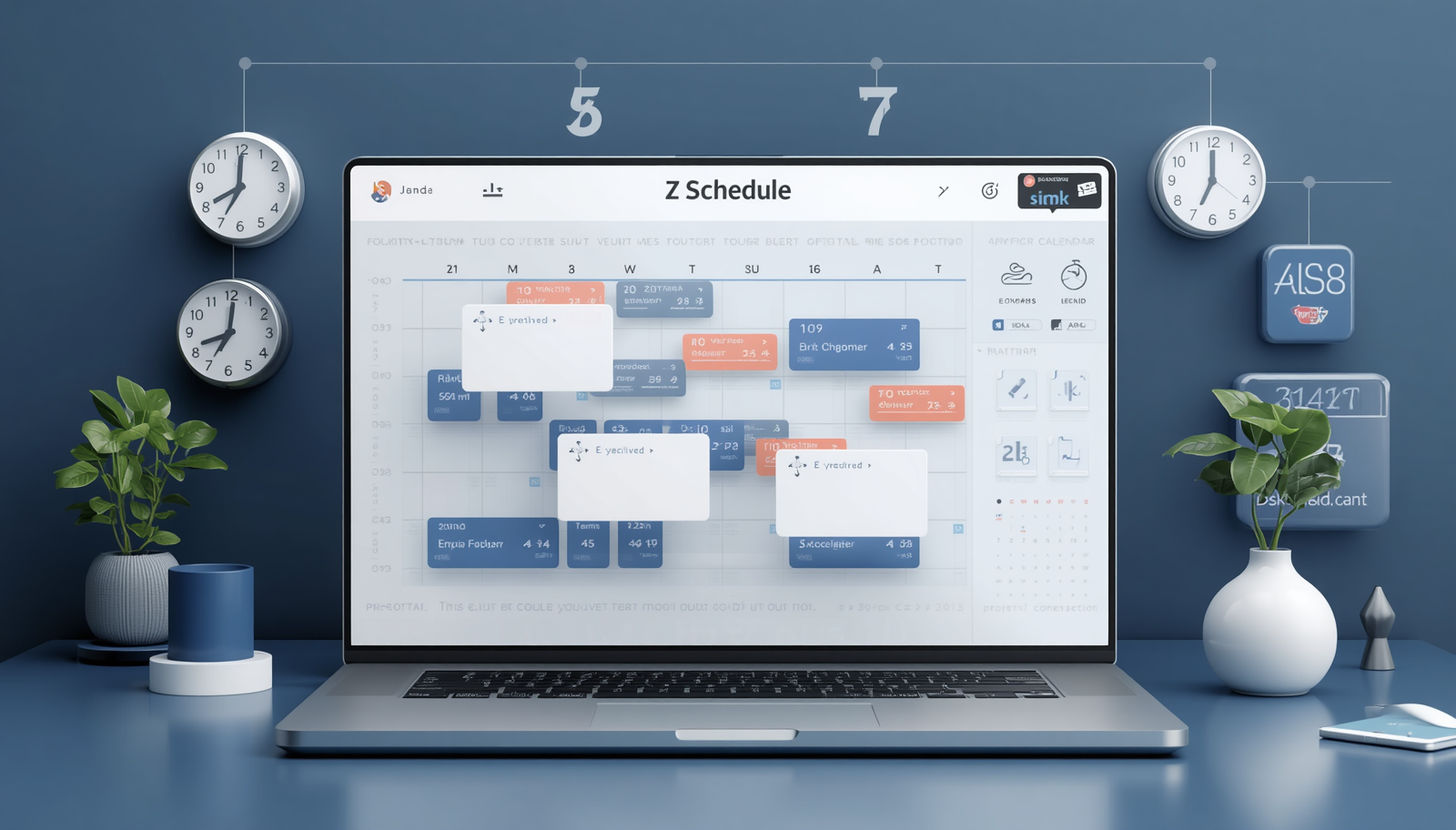
In the modern corporate ecosystem, time is our most tightly managed currency. Coordinating meetings across different departments, clients, and time zones can quickly become a administrative bottleneck if you don't know the right shortcuts. Knowing how to send calendar invitation details properly ensures that your team stays aligned, punctual, and organized. Whether you are launching a startup or managing an established enterprise, mastering the logistics of sending a calendar invite is a fundamental business skill.
Navigating the Essentials: Google Calendar and Gmail
For millions of professionals, the workday revolves entirely around the Google Workspace. If you are setting up a single appointment, learning how to send calendar invite gmail options directly from your inbox is a massive timesaver. By clicking the calendar icon within an active email thread, you can automatically pull in the thread's subject line and participants, transforming a casual conversation into a structured calendar event.
However, many users often wonder, "how do you send a calendar invite when you aren't looking at an email?" The process is straightforward: open the main calendar interface, click 'Create', fill in the meeting details, and add your guests' email addresses. This action generates a standard calendar invitation that is sent to their inbox, allowing them to RSVP with a single click. For those who frequently manage multiple projects simultaneously, learning the process of how to send a calendar invite across different client accounts ensures that no critical touchpoint is overlooked during a chaotic workweek.
Handling High-Volume and Broad Outreach
As an organization grows, sending manual, one-off invitations becomes highly inefficient. If you are organizing a multi-day workshop or a sequential training program, you will likely need to schedule multiple calendar invites in gmail. Managing multiple calendar invites in gmail requires a strategic approach to ensure that your recipients are not overwhelmed by successive notifications.
For broader company announcements or recurring departmental syncs, knowing how to execute a bulk calendar invite in gmail can save hours of data entry. Administrators frequently rely on importing CSV files or using predefined contact groups to manage bulk calendar invites in google spaces seamlessly. By mastering how to distribute mass calendar invites in google, you ensure that large-scale corporate updates reach hundreds of stakeholders simultaneously without triggering spam filters or causing manual entry errors.
Managing Logistics in Microsoft Outlook
While Google is incredibly popular, Microsoft Outlook remains the cornerstone of the traditional corporate world. Knowing how to efficiently send meeting invites in outlook is mandatory for enterprise-level operations. If you are onboarding a new executive assistant, the first technical lesson usually covers how to send invites on outlook to ensure room bookings and executive schedules are perfectly synchronized.
Outlook's robust infrastructure allows you to track responses, propose alternative meeting times, and attach massive documentation directly to the event. Learning how to send invites on outlook properly helps prevent double-bookings across shared departmental calendars. When a project manager needs to send meeting invites to an entire division, they will often utilize a mass calendar invite in outlook by leveraging distribution groups. This systematic approach to a calendar invitation ensures that the entire corporate network operates on a unified timeline.
Elevating Your Scheduling Workflow
Ultimately, the goal of modern productivity software is to remove friction from our daily routines. To build an efficient workflow, you should proactively invite calendar updates into your morning routine, blocking out time for focused deep work alongside your scheduled meetings. When you know how to format calendar invites with clear agendas, accurate video links, and proper time zones, your meeting attendance rates naturally increase.
Understanding the subtle differences between platforms such as how to send calendar invite gmail alerts versus how to send meeting invites in outlook makes you a more agile and effective professional. When you master both individual scheduling and the art of managing bulk calendar invites in google systems, you transform your calendar from a chaotic to-do list into a strategic roadmap for business success.
BulkCalendar.in
Send Bulk & Mass Calendar Invites Instantly
Contact us
Engagement
sales@letscalendar.com
+44 (0) 203 916 5117
© 2025. All rights reserved.
Help?