Start sending invites for free - no card required - Click here

The Complete Guide to Mass Meeting Invites in O365 and Outlook
When you are organizing a major corporate town hall, a user conference, or a virtual webinar, your most critical metric is the final attendance rate. Sending out traditional email reminders simply doesn't cut it anymore. People get busy, inboxes get flooded, and events are forgotten.
BLOGS
7/15/20262 min read
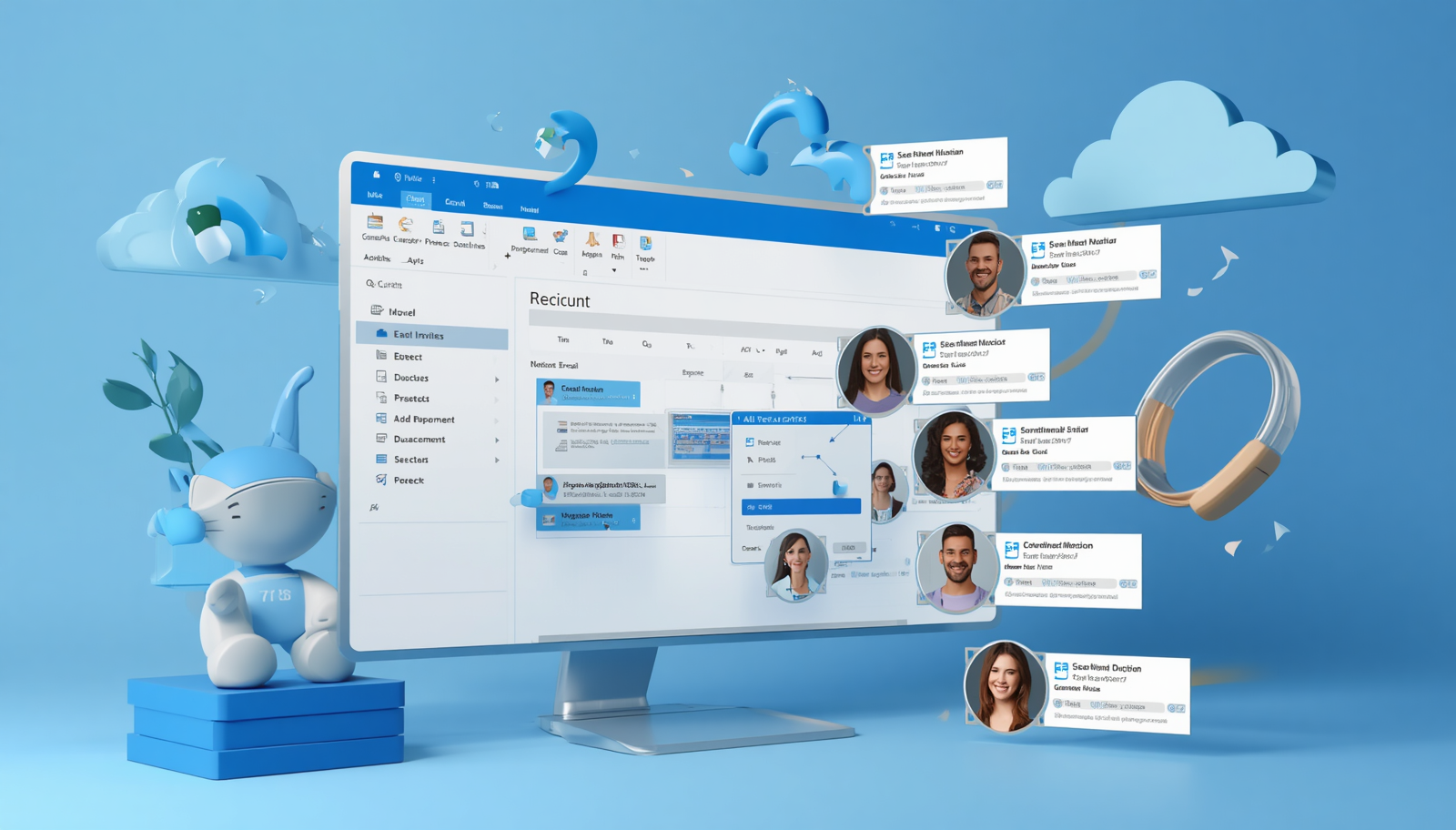
When you are organizing a major corporate town hall, a user conference, or a virtual webinar, your most critical metric is the final attendance rate. Sending out traditional email reminders simply doesn't cut it anymore. People get busy, inboxes get flooded, and events are forgotten.
To guarantee a great turnout, you need to ensure your event details sit securely on your audience's daily schedule. Let's break down exactly how to send calendar invite details at scale, and how to master managing a bulk calendar invite in outlook without running into technical walls.
The Limits of Native Desktop Clients
Most business professionals use Microsoft tools every single day. However, standard office programs are built for small, internal team syncs not massive marketing campaigns.
If you try to execute a standard bulk calendar invite in Outlook desktop app by pasting hundreds of registration emails into a single event line, you will quickly encounter severe roadblocks:
Privacy Vulnerabilities: Everyone on the list can see the private email addresses of every other attendee.
Spam & IT Flags: Sending multiple calendar invites to an external audience simultaneously can cause your account to be flagged for spam or trigger domain security blocks.
App Performance: Forcing standard mail systems to handle massive lists of multiple calendar invites in outlook formats frequently causes the application to lag or crash.
Even if you switch platforms to test out alternatives such as figuring out how to send mass calendar invite in gmail or looking up the exact way to send mass meeting invites in gmail workspaces you will still hit rigid daily distribution limits that stop your campaign in its tracks.
Manual Mass Send vs. Dedicated Bulk Engine
[Manual Field Entry] --> Shared Data Exposures + App Crashes
[Bulk Tool Engine] --> Secure 1-to-1 Deliveries + High Inbox Placement Rate
Transitioning to Automation with Let's Calendar
To successfully coordinate mass calendar invites in o365 profiles or send multiple calendar invites safely to thousands of people, you need to transition from manual entry to a dedicated cloud system. This is exactly where Let's Calendar steps in to bridge the gap.
Let’s Calendar is a specialized, browser-based delivery engine designed entirely for managing high-volume scheduling. Hosted securely on the AWS cloud, the tool completely eliminates the confusion surrounding how to send bulk calendar invite in outlook environments.
Instead of typing names one by one, you simply log in, connect your sending identity, and upload your recipient list via a standard .csv or .xlsx spreadsheet. Let's Calendar automatically processes the data, allowing you to deploy bulk calendar invites in o365 setups instantly.
Every single person on your list receives an individual, completely private mass meeting invite. To your attendees, it looks like a highly professional, 1-to-1 personal message. Their contact information remains safely hidden from strangers, your primary domain remains fully protected from spam filters, and you get access to a centralized dashboard tracking real-time RSVP acceptances.
BulkCalendar.in
Send Bulk & Mass Calendar Invites Instantly
Contact us
Engagement
sales@letscalendar.com
+44 (0) 203 916 5117
© 2025. All rights reserved.
Help?