Start sending invites for free - no card required - Click here

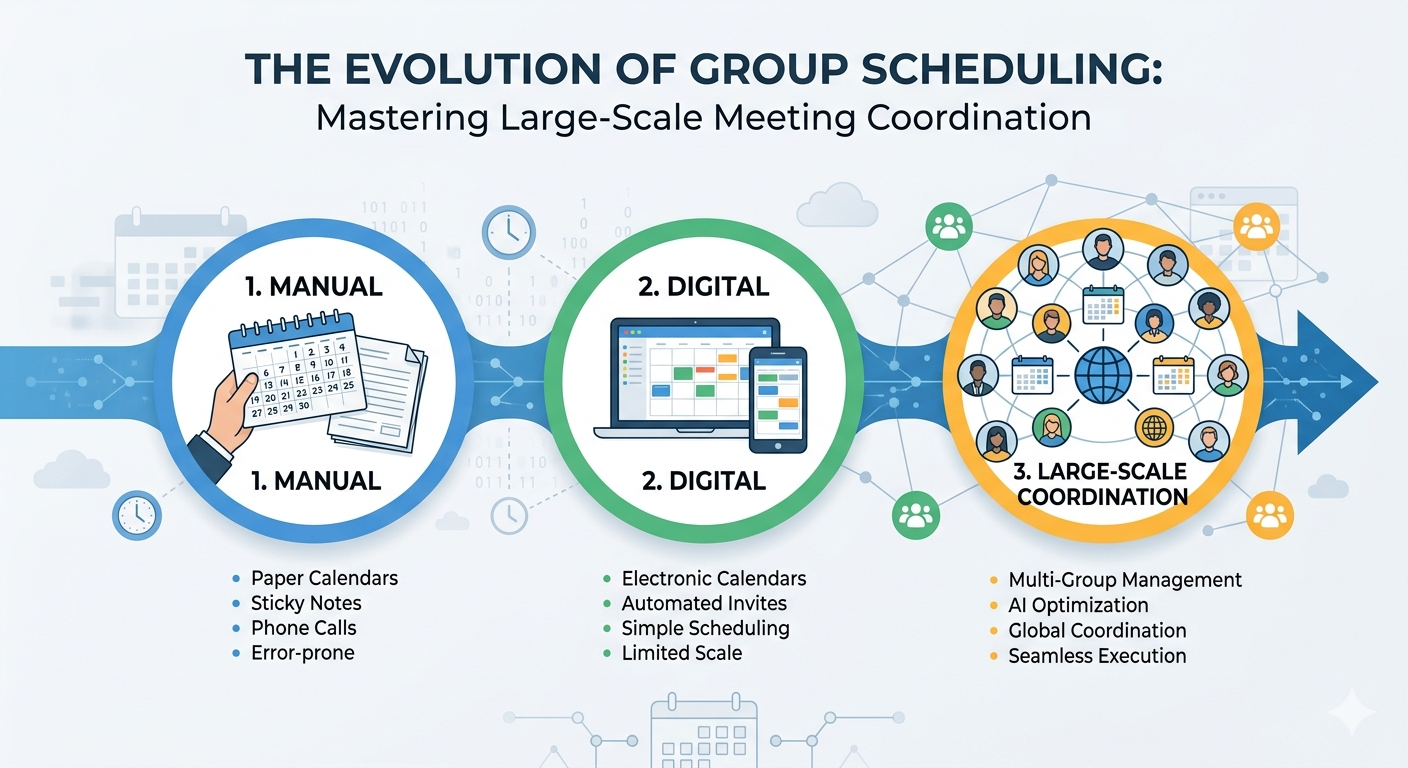
The Evolution of Group Scheduling Mastering Large-Scale Meeting Coordination
In the modern professional landscape, time is often described as our most valuable resource. As organizations grow and projects become more collaborative, the logistical challenge of bringing people together becomes increasingly complex. For project managers, event coordinators, and administrative leads, the ability to effectively send mass meeting invite in gmail or Outlook is no longer just a "nice-to-have" skill, it is a fundamental requirement for operational success.
BLOGS
4/29/20263 min read
In the modern professional landscape, time is often described as our most valuable resource. As organizations grow and projects become more collaborative, the logistical challenge of bringing people together becomes increasingly complex. For project managers, event coordinators, and administrative leads, the ability to effectively send mass meeting invite in gmail or Outlook is no longer just a "nice-to-have" skill, it is a fundamental requirement for operational success.
Understanding the Basics: What is Calendar Invite?
Before diving into the complexities of large-scale coordination, it is helpful to establish a baseline. At its core, what is calendar invite? It is a digital notification that goes beyond a standard email. While an email conveys information, a calendar invitation proposes a specific block of time, provides a location (physical or digital), and creates a synchronized entry across multiple devices. When accepted, it serves as a commitment, automatically blocking out time in the recipient's schedule and providing reminders to ensure attendance.
As we move from one-on-one coffee chats to department-wide seminars, the strategy changes. We transition from individual scheduling to the realm of mass calendar invite management, where accuracy and efficiency become paramount
Navigating the Google Workspace Ecosystem
Google’s suite of tools is designed for speed and collaboration, but many users struggle when they need to scale their communication. If you are looking to send mass meeting invites in gmail, the process requires a shift in mindset from individual entries to group-based logic.
The Power of Groups
To send bulk meeting invites in gmail without manually typing every recipient's name, the most effective method is utilizing Google Groups. By creating a single alias for a team for example, "marketing-team@company.com" you can trigger a single invitation that populates on every member’s calendar instantly. This avoids the common pitfalls of "invite fatigue" and ensures that new team members added to the group automatically see recurring events.
Maintaining Professionalism at Scale
When you manage bulk meeting invites, privacy and clarity are your best friends. In large-scale scenarios, you may want to keep the guest list hidden to prevent a long string of email addresses from cluttering the invite. This keeps the focus on the event details rather than the attendee list. Furthermore, providing a clear agenda within the description ensures that when you send mass meeting invite in gmail, your recipients understand exactly why their presence is required.
Executing Large-Scale Events in Microsoft Outlook
For many corporate environments, Microsoft Outlook remains the gold standard for heavy-duty scheduling. The platform offers robust features for those who need to manage a mass calendar invite in outlook across a complex corporate hierarchy.
Utilizing Distribution Lists
Similar to Google’s approach, Outlook relies heavily on distribution lists. To successfully manage mass meeting invites, an organizer should coordinate with their IT department or use the "Contact Group" feature. This allows you to send a single request that expands to hundreds or even thousands of employees.
The primary benefit of a mass calendar invite in outlook is the integration with "Propose New Time" and "Scheduling Assistant" features. Even when dealing with a large crowd, these tools help the organizer see general availability trends, ensuring the chosen slot works for the majority of the group.
Best Practices for Mass Coordination
Regardless of the platform you choose, the principles of high-level scheduling remain consistent. When you are tasked with mass meeting invites, consider the following three pillars:
1. The "Single Source of Truth": Always include a link to the virtual meeting room or the physical office number in the location field. This prevents "where is the link?" emails five minutes before the start time.
2. Buffer Times: When you send bulk meeting invites in gmail or Outlook, try to start meetings at five minutes past the hour. This small courtesy allows attendees to transition from their previous commitment without feeling rushed.
3. RSVP Tracking: Monitoring responses is vital for logistics. Whether you are booking a conference room or a digital server with a seat limit, knowing your numbers helps you scale the resources accordingly.
The Impact of Efficient Scheduling
Why does this matter? When a mass calendar invite is handled poorly, it leads to confusion, missed connections, and wasted company time. However, when an organizer knows how to send mass meeting invites in gmail or Outlook with precision, it creates a culture of respect and punctuality.
Effective scheduling is the silent engine of a productive company. By mastering the art of the bulk meeting invites, you aren't just filling squares on a grid; you are creating the space for ideas to be shared, decisions to be made, and progress to happen. Whether you are a small business owner or a project lead at a global firm, the way you manage time reflects the way you value your team.
BulkCalendar.in
Send Bulk & Mass Calendar Invites Instantly
Contact us
Engagement
sales@letscalendar.com
+44 (0) 203 916 5117
© 2025. All rights reserved.
Help?