Start sending invites for free - no card required - Click here

Why Most Meeting Invites Go Unnoticed (And How to Fix It in Outlook & Gmail)
If you've ever scheduled an important client demo, a company-wide town hall, or a major industry webinar, you know the frustration: hundreds of people register, but when the meeting time rolls around, half your audience is missing in action.
BLOGS
7/23/20263 min read
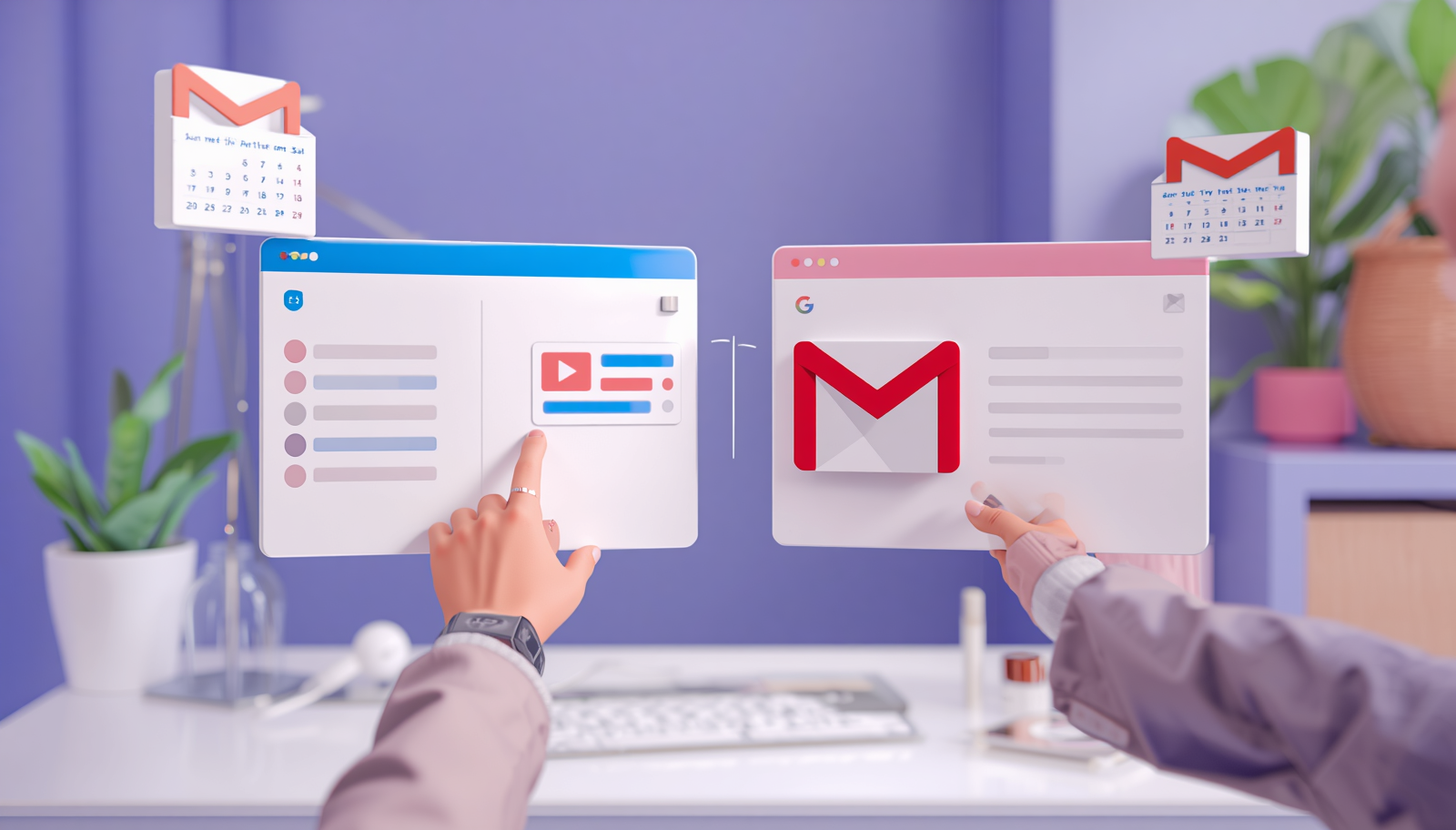
If you've ever scheduled an important client demo, a company-wide town hall, or a major industry webinar, you know the frustration: hundreds of people register, but when the meeting time rolls around, half your audience is missing in action.
When turnout drops, most event organizers assume attendees simply lost interest. But in reality, the issue is almost always logistical. Standard promotional emails get buried under dozens of daily unread messages, and generic "save the date" links require attendees to do all the manual work.
If you want people to actually attend your meetings and events, you need a proactive strategy. Understanding how to send a calendar invite in outlook or Gmail so that it automatically blocks out time on your recipient's device is the single most effective way to protect your turnout rates.
Understanding the Basics: Sending Invites Manually
For quick 1-on-1 catch-ups or small internal syncs, creating a direct scheduling block inside your standard mail client is simple.
If you're brand new to Microsoft’s ecosystem and asking how do i send a calendar invite in outlook or looking up how do you send a meeting invite in outlook, the steps take less than a minute:
Open Microsoft Outlook and switch to the Calendar view.
Select New Meeting or New Event on the top ribbon.
Fill in your title, date, time zone, and video link (e.g., Teams or Zoom).
In the attendee bar, enter your contact's email address.
Click Send.
If your team relies heavily on Google Workspace instead, knowing how to send a calendar invite in gmail or Google Calendar follows a similar flow, create the event, add your guest's email address, and save.
So, what is calendar invite functionality at its core? Unlike a flat text email, a native calendar invitation carries specialized .ics data that allows mail clients (Outlook, Apple Calendar, Google) to recognize it as an active time block. When accepted, it sets up automatic pop-up alerts on the attendee's phone or computer right before your session begins.
The Breaking Point: What Happens When You Need to Invite a Crowd?
Manual setup works cleanly for 5 or 10 guests. But what happens when you need to send a meeting invite in outlook to a list of 500 webinar registrants or 2,000 corporate employees?
This is where traditional email apps completely fall apart. If you try to send meeting invites in outlook by pasting hundreds of external contacts into a single meeting line, you encounter three major obstacles:
Severe Privacy Violations: Standard meeting invites expose every single attendee's email address to the entire list. For public marketing campaigns or external workshops, this is a major compliance risk.
Spam & IT Filters: When you attempt sending a calendar invite to a massive list simultaneously from a desktop client, corporate security systems treat it as bulk spam and block your domain.
App Crashes: Forcing standard software to generate an individual outlook invite for hundreds of users at once frequently causes the application to freeze or crash.
Knowing how to send an outlook invite to one person is easy but scaling that process for a bulk calendar campaign manually is nearly impossible.
The Solution: Mass Calendar Scheduling with Let’s Calendar
To distribute an outlook calendar invite to thousands of attendees without triggering spam filters or leaking user data, event managers turn to specialized platforms like letscalendar.com.
What is Let’s Calendar?
Let’s Calendar is a cloud-based mass invitation platform built specifically for event marketers, HR leaders, and webinar hosts. It acts as a bridge between your contact database and your audience's personal schedules.
What Problem Does It Solve?
Instead of sending basic text emails with "add to calendar" buttons that users ignore, Let’s Calendar delivers native, 1-to-1 calendar invitations straight into your attendees' inboxes. The event is automatically blocked out on their calendar without exposing anyone else's contact details.
How Does It Work?
Connect Your Account: Log into Let’s Calendar using your existing Outlook or Gmail credentials.
Upload Your Contacts: Import your attendee list via a standard .csv or .xlsx spreadsheet.
Personalize & Launch: Customize your event details using dynamic tags (like recipient names or unique join links) and click send.
Let’s Calendar handles all the background delivery. Each attendee receives an authentic outlook calendar invite coming directly from your official business email address. It locks onto their schedule, triggers automatic device reminders, keeps your contact list 100% private, and boosts your live attendance effortlessly!
BulkCalendar.in
Send Bulk & Mass Calendar Invites Instantly
Contact us
Engagement
sales@letscalendar.com
+44 (0) 203 916 5117
© 2025. All rights reserved.
Help?