Start sending invites for free - no card required - Click here

Why Timers Are Critical for Webinars, Conferences, and Live Presentations
In any well-run event, time is the invisible framework that holds everything together. Whether it’s a virtual webinar, a multi-track conference, or a live presentation on stage, staying on schedule determines how professional and engaging the experience feels. Audiences may not always notice good timing, but they certainly notice when it goes wrong.
BLOGS
12/26/20253 min read
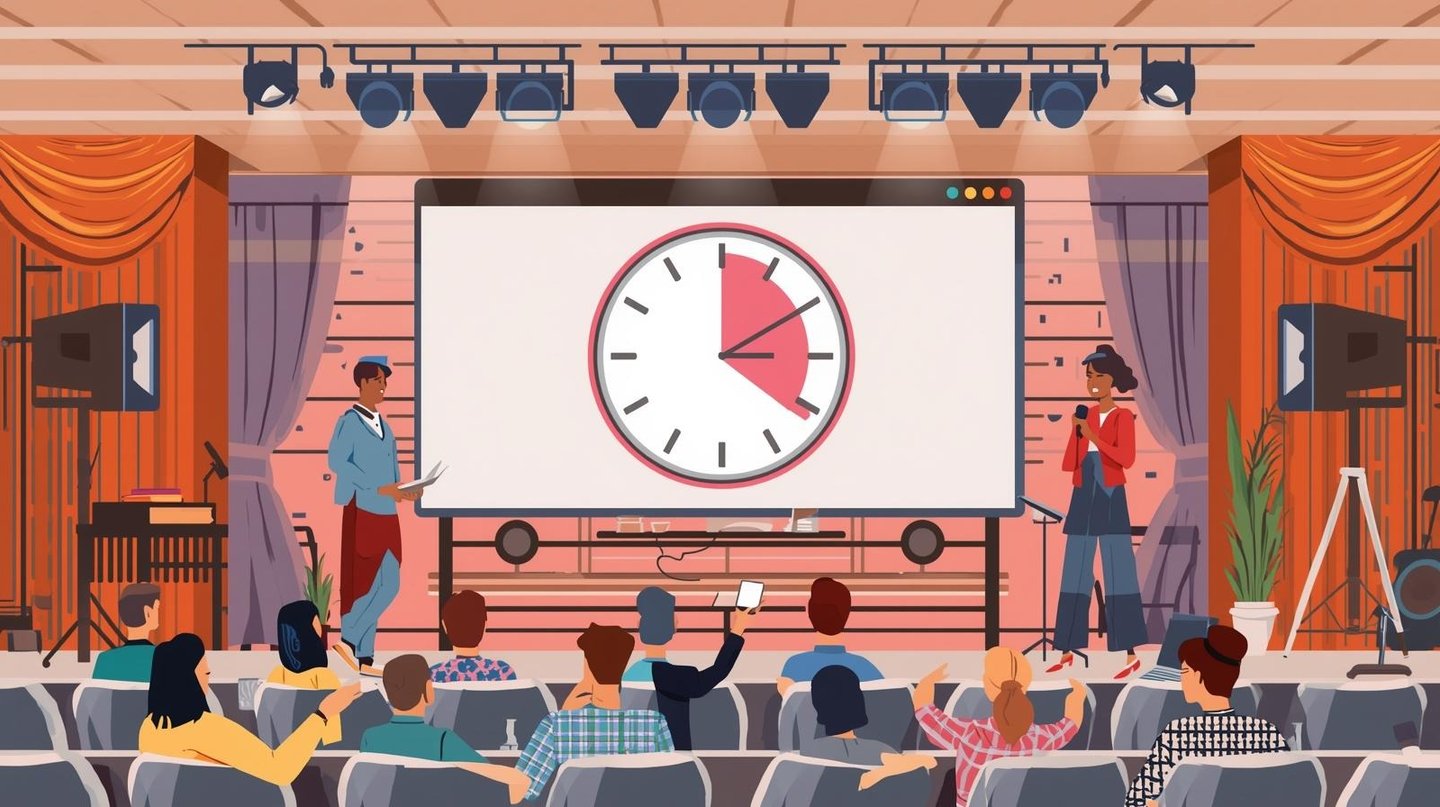
In any well-run event, time is the invisible framework that holds everything together. Whether it’s a virtual webinar, a multi-track conference, or a live presentation on stage, staying on schedule determines how professional and engaging the experience feels. Audiences may not always notice good timing, but they certainly notice when it goes wrong.
This is where event and presentation timers quietly play an essential role. They help speakers stay focused, presenters pace their content, and organizers maintain control over complex agendas.
The Importance of Time Discipline in Modern Events
Events today are more structured than ever. Sessions are carefully planned, speakers are allocated fixed slots, and audiences expect programs to run on time. Without clear time awareness, sessions can easily overrun, affecting everything that follows.
In online formats especially, a webinar timer helps hosts ensure that introductions, content delivery, and discussions stay balanced within the scheduled duration.
What Is a Presentation or Event Timer?
An event timer is a dedicated way to track time during a session. Unlike a regular clock, it focuses specifically on how long a speaker has been talking or how much time remains.
A timer for presentation helps presenters manage their flow knowing when to speed up, slow down, or move to the next section without breaking concentration.
Countdown Timers for Speakers and Presenters
One of the most widely used formats is a countdown timer for speakers, which shows the remaining time clearly and continuously. This allows speakers to adjust naturally rather than being cut off unexpectedly.
Similarly, a countdown timer for presenters is common in panel discussions, business meetings, and training sessions where multiple presenters must share limited time.
How Timers Support Speaker Confidence
Public speaking can be stressful, especially when time limits are strict. A visible timer for speakers removes uncertainty and allows speakers to focus fully on delivering their message.
A timer for presenters is equally valuable during rehearsals, helping presenters practice staying within their allotted time and refine their pacing.
Timers in Webinars and Virtual Sessions
Virtual events demand precision. Attendees often join between other commitments, and delays can quickly lead to drop-offs. A countdown timer for webinar sessions helps hosts manage transitions smoothly between segments such as presentations, polls, and Q&A.
Clear timing also improves audience trust and engagement.
Conference and Stage Timing Explained
Large-scale events require coordination across rooms, tracks, and speakers. A conference timer ensures that sessions start and end on time, preventing overlap and confusion.
On physical stages, a stage timer is usually placed where speakers can see it discreetly. In some event documentation, this setup may be referred to as a stagetimer, particularly in technical or production contexts.
Countdown Timers for Events and Sessions
A countdown timer for events is often displayed before sessions begin, helping audiences settle in and reducing late starts.
During programs, a countdown timer for sessions ensures that each segment receives equal attention and that the overall schedule remains intact.
Managing Stage Flow With Timers
Smooth transitions are a hallmark of professional events. A countdown timer for stage helps stage managers coordinate speaker entrances, exits, and technical cues such as lighting or sound changes.
This coordination creates a seamless experience for both speakers and attendees.
Best Practices for Using Timers in Events
To use timers effectively:
Clearly communicate time limits to speakers
Ensure timers are easy to see but not distracting
Align timers with session agendas
Include buffer time between sessions
When used thoughtfully, timers enhance delivery rather than adding pressure.
Common Timing Mistakes to Avoid
Even experienced organizers can run into issues such as:
Not explaining how timers work
Overloading sessions with too much content
Ignoring transition time
Changing agendas at the last minute
Avoiding these mistakes helps maintain flow and professionalism.
Final Thoughts
Timers are an essential but often unnoticed part of successful events. From webinars to conferences and live presentations, they help speakers stay confident, organizers stay on schedule, and audiences stay engaged.
Understanding how timers support event flow is a key step toward delivering smoother, more polished experiences.
BulkCalendar.in
Send Bulk & Mass Calendar Invites Instantly
Contact us
Engagement
sales@letscalendar.com
+44 (0) 203 916 5117
© 2025. All rights reserved.
Help?